

Table of Contents
- How to Locate Your Tracking Number
- Understanding Shipping Status Terminology
- Using Your Carrier's Tracking Portal
- Package Tracking Apps for Online Shopping
- What to Do If a Package Is Marked Delivered but Not Received
- Managing Multiple Shipments and Returns Tracking
- Best Practices for Monitoring Your Clothing Orders
- Conclusion
Last Updated: August 25, 2026
How to Locate Your Tracking Number
Your tracking number is the key to monitoring your clothing shipment from warehouse to doorstep. Most retailers provide this identifier automatically when your order ships.
The easiest place to locate your tracking number is in your order confirmation email. When you complete your purchase with Hoss Style & Co, a confirmation message arrives in your inbox containing your order details. Scroll through that email and look for a section labeled "Shipping Information" or "Order Status", your tracking number will be displayed prominently there.
If you can't find the original confirmation email, log into your account on the retailer's website and navigate to your order history or "My Orders" section. Click on the specific order you're tracking, and the tracking number will appear in the order details alongside the estimated delivery date and carrier name (UPS, FedEx, or USPS).
Some retailers also send a separate shipping notification email once your package leaves the warehouse, often containing a clickable tracking link that takes you directly to the carrier's tracking page. Keep your tracking number handy, you'll need it to monitor your package's progress, contact customer service if something goes wrong, or file a claim if your shipment never arrives.
Understanding Shipping Status Terminology
Shipping status updates use specific terminology to describe where your package is in the delivery process. Understanding these terms removes the guesswork from tracking your clothing shipment.
Common Statuses and What They Mean
Order Placed or Processing means the retailer has received and confirmed your order but hasn't yet handed it to the carrier. Your clothing is being prepared for shipment, typically taking 1-3 business days (usps.gov).
Picked and Packed indicates that warehouse staff have located your items and prepared them for shipment.
Label Created means the shipping label has been generated and assigned to your package, but the carrier hasn't physically picked it up yet. Your clothes are sitting in the retailer's facility waiting for pickup. This can last anywhere from a few hours to a full business day.
In Transit or Shipped means the carrier has taken possession of your package and it's moving through the logistics network. This is the most common status during delivery and can last several days depending on distance and shipping method.
Out for Delivery means your package is on the delivery vehicle and should arrive at your address today.
Delivered indicates your package has reached your address and been left with a recipient or in a designated location.
Delivery Attempted means the carrier tried to deliver your package but couldn't complete the delivery. The carrier will usually try again the next business day.
Handling 'Label Created' vs. 'In Transit' Status
The gap between "Label Created" and "In Transit" confuses many online shoppers. Your package isn't moving yet during the Label Created phase, it's waiting. This stage can last hours or even a full day, especially during peak shopping periods or when the warehouse is busy (fedex.com).
Understanding this distinction matters because it explains why your tracking shows no movement for what feels like forever. The package simply hasn't been picked up by the courier yet. Once the status changes to "In Transit," your shipment is actively moving through the delivery network.
Some carriers batch pickups at specific times each day. If your label was created at 5 PM but the warehouse pickup happens at 8 AM the next morning, you'll see that lag. This is normal and expected. When your status finally shows "In Transit," your package is on its way, and you should see regular updates as it moves between sorting facilities and distribution centers.
Using Your Carrier's Tracking Portal
Each major shipping carrier maintains its own tracking system. Visit the carrier's main website and look for a "Track a Package" section. Enter your tracking number and the system will display your package's current location, last scan time, and estimated delivery date.
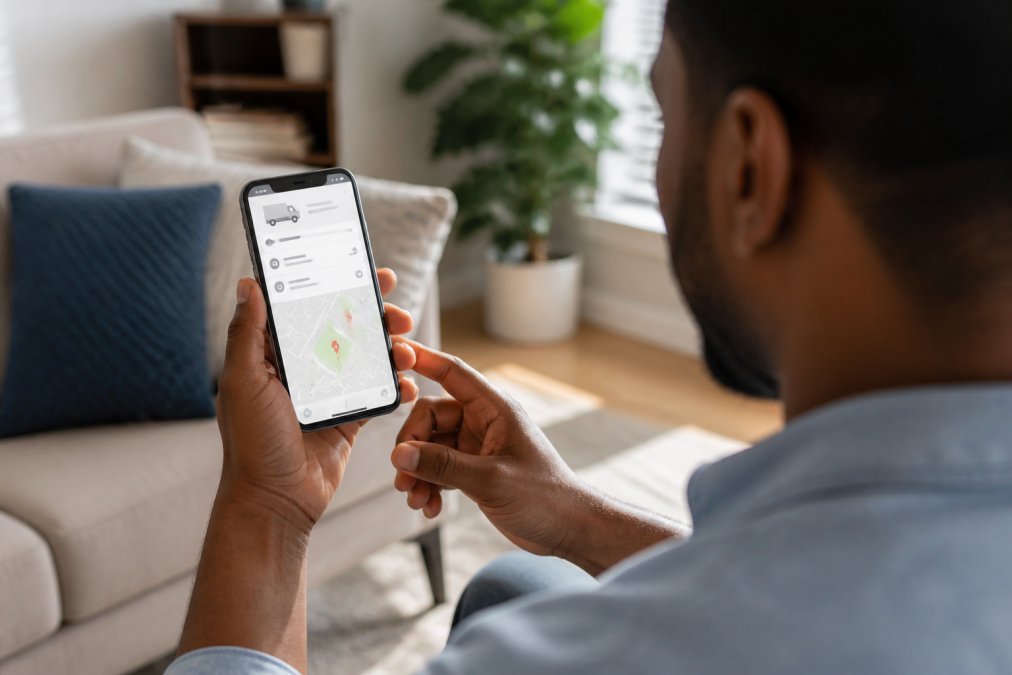
These carrier portals often provide more detail than the retailer's website, including timestamps for each scan, the facility where your package currently sits, and sometimes even the delivery vehicle's location. Some carriers offer email or text alerts when your status changes. The carrier's tracking portal also shows delivery attempts and any issues that might delay your package, such as customs holds or weather delays.
Bookmark your carrier's tracking page. Most carriers keep tracking information available for 120 days after delivery, so you can reference it later if needed.
Package Tracking Apps for Online Shopping
Third-party tracking applications consolidate shipment information from multiple carriers into one convenient dashboard. Popular apps like AfterShip, Parcels, and Deliveries allow you to input multiple tracking numbers and monitor all your packages in one place (peer-reviewed research). Many apps also send push notifications when your status changes and offer features like estimated delivery windows and package photos showing where drivers left your package.
The convenience of package tracking apps comes down to consolidation. Rather than visiting four different carrier websites for four different orders, you see everything in one mobile app. This is especially valuable during holiday shopping seasons when you might have dozens of packages in transit simultaneously. Many of these apps are free and integrate with major carriers like UPS, FedEx, USPS, DHL, and Amazon.
What to Do If a Package Is Marked Delivered but Not Received
This situation happens more often than retailers like to admit. Your tracking shows "Delivered," but you can't find your package anywhere. Before panicking, follow a systematic approach to locate it.
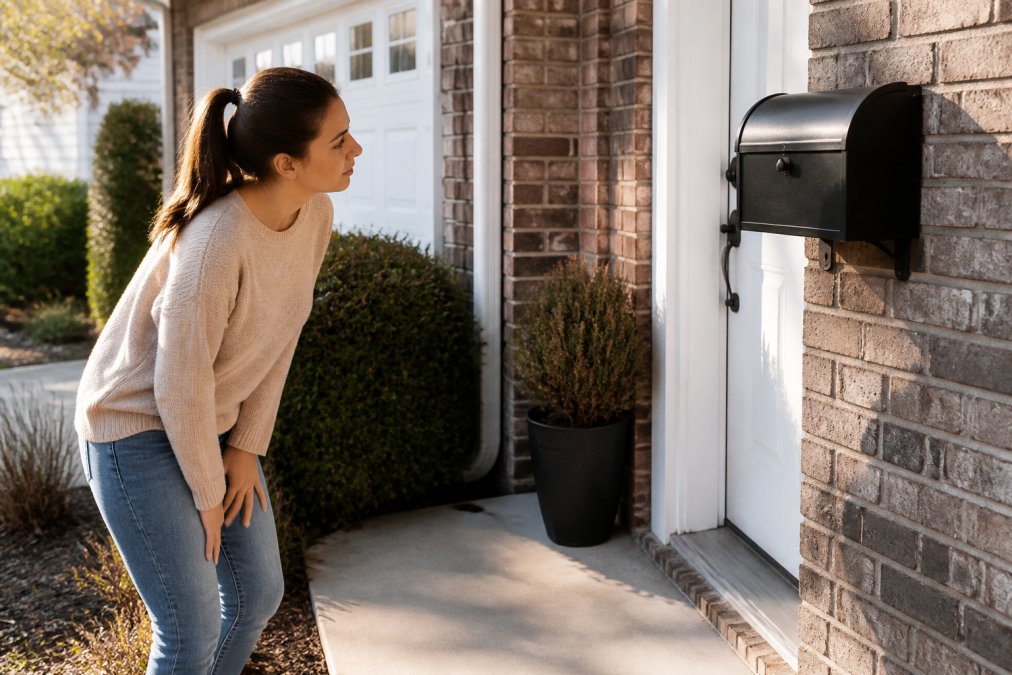
Check your delivery address thoroughly. Carriers sometimes leave packages in unexpected locations to protect them from weather or theft. Look on your front porch, side porch, back porch, near your mailbox, in a planter, under a mat, or in a garage. If you have a building superintendent, doorman, or front desk, ask if they received your package.
Contact your neighbors. Delivery drivers occasionally misdeliver packages to nearby addresses, especially in apartment complexes or dense neighborhoods. Check the tracking details carefully, some carriers provide a photo of where the package was left or include notes like "left with resident."
If you've thoroughly searched without success, contact the carrier with your tracking number and explain that the package shows delivered but you haven't received it. The carrier can investigate whether the driver actually delivered it or if there was a scanning error.
If the carrier can't locate your package, contact the retailer next. Most online clothing retailers have policies for handling lost packages. They'll typically investigate with the carrier and either reship your order or issue a refund. Keep your tracking number and photos of your delivery location to support your claim.
Managing Multiple Shipments and Returns Tracking
Busy shoppers often have multiple packages in transit simultaneously. Create a spreadsheet or use a note-taking app to list all your active orders, including the order number, tracking number, carrier, expected delivery date, and what you ordered. Update your list as shipments progress and mark them as received when they arrive.
Returns tracking requires the same attention as outbound shipments. When you return clothing to a retailer, you'll receive a return tracking number. Monitor your return shipment to confirm it reaches the retailer's facility. This protects you in case the return gets lost, you have proof you shipped it back.
Many retailers provide a return label with prepaid shipping. Use this label rather than paying for return shipping yourself. Keep return receipts or confirmation emails that show you initiated the return. For multiple returns, track each one separately to ensure you catch problems early.
Best Practices for Monitoring Your Clothing Orders
Successful order tracking combines technology with smart habits. Enable notifications from your retailer. When you purchase from Hoss Style & Co or any online clothing brand, opt in for shipping notifications. These emails alert you when your order ships, when it's out for delivery, and when it arrives.
Check your tracking portal within 24 hours of placing an order to confirm the retailer has processed your order and assigned it to a carrier. Set a reminder for the expected delivery date so you'll know to investigate if your package doesn't arrive by then.
Save tracking information in one place, whether you use an app, spreadsheet, or email folder. Photograph valuable packages when they arrive to document condition and contents. Don't ignore delivery delays; if your tracking shows no updates for several days, contact the carrier. Monitor returns from start to finish and confirm they reached the retailer's facility before assuming your return was processed.
When communicating with customer service, use specific details: "My tracking number shows [number]. The last update was [date] at [location]. I haven't received the package. Can you investigate?" Specific information helps customer service reps help you faster.
Tracking your clothing shipments doesn't require technical expertise, just attention to detail and knowledge of where to look. From locating your initial tracking number to managing returns, the process becomes routine once you understand carrier terminology and know which tools to use. When you shop with Hoss Style & Co, our commitment to reliable, tracked shipping means you'll always know where your order is and when to expect it. Take advantage of carrier tracking portals and third-party apps to stay informed, and don't hesitate to contact customer service if something seems off.
Frequently Asked Questions
How can I track my clothing shipment if I don't have a tracking number?
Check your order confirmation email first, as it typically contains your tracking number and carrier information. Log into your account on the retailer's website and navigate to your order history or account dashboard to find the tracking details. If the shipment hasn't been dispatched yet, the tracking number may not be available. Contact customer service with your order number to request tracking information if you still can't locate it.
What does 'Label Created' mean for my package tracking?
'Label Created' means the seller has generated a shipping label and the carrier has received the order information, but your package hasn't been picked up or scanned into the courier's system yet. This status typically appears within hours of purchase. Your shipment should move to 'In Transit' within 1-3 business days. If it remains stuck on 'Label Created' for more than 5 days, contact the retailer to confirm the package was actually handed off to the carrier.
Can I track multiple clothing orders at once?
Yes, most retailers allow you to view all active shipments in your account dashboard. Many package tracking apps for online shopping consolidate shipments from multiple retailers into one interface, saving you time. Popular options let you add tracking numbers manually or sync with your email accounts. This approach is especially useful for busy professionals managing multiple clothing purchases across different stores.
What should I do if my package shows delivered but I haven't received it?
First, check your entire delivery area: front porch, side door, mailbox, and with neighbors or building management. Wait 24 hours in case the tracking updated before physical delivery. Review the delivery photo if your carrier provided one. If the package is genuinely missing, file a claim with the carrier immediately with your tracking number, and contact the retailer's customer service. Many retailers will reship or refund items marked delivered but not received within 48 hours of your report.
This article was written using GrandRanker


